
Everything we know about UniFi, written down in plain English.
What each part does, how to choose between them, and what it honestly costs. Written for the person deciding, not for the person selling. Use it even if you never call us.
In a hurry? Jump straight to your question:
- Which gateway do I need? Choosing a Gateway
- Do I need fibre, and which kind? Choosing Fibre
- Which camera, and what does it see at night? Choosing Cameras
- How many days of footage do I get? Storage and Retention
- Why is the quote higher than the store price? Pricing and the memory surcharge
- I have old Ubiquiti gear. Upgrade or keep? Legacy and Upgrades
- Show me a worked build with real prices. Reference Designs
- What does that word mean? Glossary
- Full spec tables, every published number. Technical Reference
Prices verified as of 16 July 2026. Ubiquiti pricing changes, so we confirm current pricing on every quote. All prices CAD, all-in (including Ubiquiti’s memory surcharge).
What this is
AVNFi installs UniFi for a living, and the same questions come up on nearly every job. Which box do I actually need? Will this work with what I already own? Why is the price on the quote higher than the price on the website?
So we wrote the answers down. This is the reference we use ourselves, cleaned up and made public: one body of knowledge about Ubiquiti hardware, maintained in one place so it can’t drift apart.
No acronym goes unexpanded. Every price is all-in: the real number including Ubiquiti’s memory surcharge, not the one on the product page. Where we don’t know something, we say so rather than guess.
Who it’s for
Anyone deciding what to buy, whether you’re hiring us, hiring someone else, or doing it yourself. Nothing here is gated and nothing here is a sales pitch. If UniFi is the wrong answer for your building, there’s a page that says so.
It sits alongside the rest of our education area (Ubiquiti Install, Cybersecure and Fix Your Wi-Fi) and goes a level deeper on the hardware itself.
Start here
| Page | What it covers |
|---|---|
| Start Here: What Is UniFi? | What UniFi is, and the gateway → switch → PoE → devices mental model. Read this first if any of it is new. |
| What Works With What | The compatibility spine. Seven rules that prevent the mistakes that cost money. If you read one page, read this one. |
| Glossary | Every term and acronym, defined once. |
| Pricing: How We Quote | Why the store price isn’t the real price, and which number you’ll actually pay. |
Choosing your hardware
One page per product family: what the options are, and how to pick.

| Page | The question it answers |
|---|---|
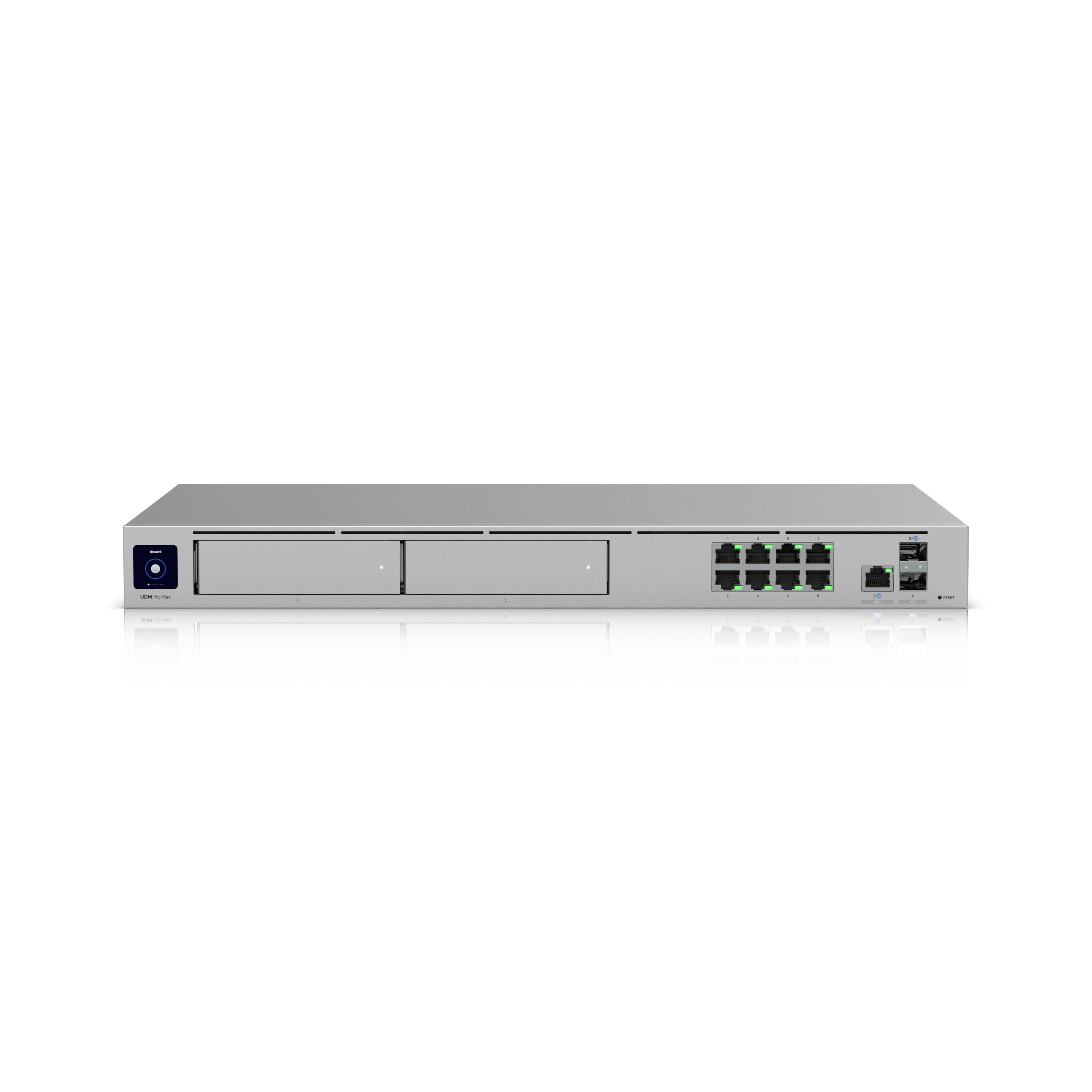
| Choosing a Gateway | Which UniFi brain do you need, and why the cheap one so often turns into an expensive one. |
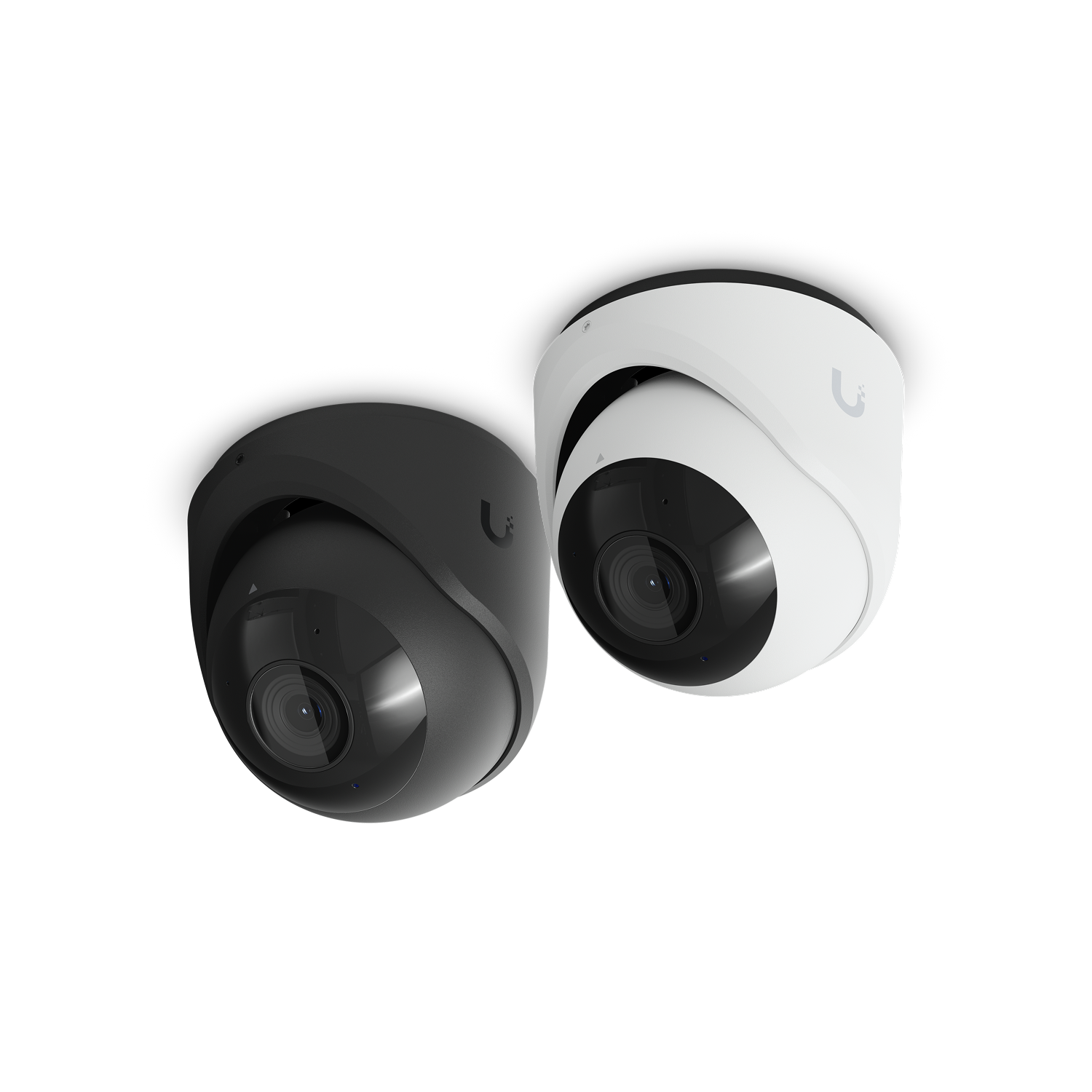
| Choosing Cameras | What each camera actually sees, how far it sees in the dark, and what it costs. |
| Choosing Wi-Fi Access Points | Why an access point isn’t a router, whether you need Wi-Fi 7, and how many you need. |
| Switches and PoE | Why one cable does two jobs, and the switch trap that leaves cameras dead. |
| Door Access | Unlock with a phone, a card or a code, and the one safety point we never compromise on. |
| Storage and Retention | “How many days of footage do I get?” Answered honestly. |
| Choosing Fibre | When copper stops being the answer, singlemode against multimode, and what a finished job should hand you. |
Reference designs
Ten worked example builds, from a four-camera house to a full clinic. Each shows the whole thing: what gets installed, what it costs all-in, why each choice was made, what breaks if you go smaller, and where it goes next.
These are illustrative worked examples, not case studies. They show how the pieces fit together. They are not descriptions of work performed for any specific customer, and no reference design describes a real site.
| Design | The shape of the problem |
|---|---|
| 1. Four-Camera Home | The common starting point. |
| 2. Small Home: Network Only | No cameras, and the trade that involves. |
| 3. Large Home: Multi-Storey | Several access points, several cameras, one brain. |
| 4. Small Office | Staff, guests and a back door. |
| 5. Dental Clinic: Full Build | Network, Wi-Fi, cameras, doors and intercom. |
| 6. Retail Storefront | Point of sale, guest Wi-Fi, and eyes on the floor. |
| 7. Warehouse / Shop | Height, distance, and cold. |
| 8. Add Cameras to an Existing Network | Keep the gear you own. Add the cameras anyway. |
| 9. Garage / Gate Integration | The gate, the garage, and −30 °C. |
| 10. Upgrading from Legacy Gear | What genuinely needs replacing, which is less than you think. |
The rest
| Page | What it covers |
|---|---|
| Add-Ons and Accessories | What you actually need, what’s genuinely optional, and what UI Care is. |
| I Have Old Gear. Do I Need to Upgrade? | Usually not. Most 5 to 10 year old UniFi kit isn’t end-of-life. The genuinely urgent replacements are narrow. |
| When UniFi Is the Wrong Answer | The jobs we wouldn’t use it for, and what we’d suggest instead. |
Two things worth knowing up front
1. The store price is not the price
Ubiquiti applies a per-unit memory surcharge that doesn’t appear on the product page and shows up only at checkout. Some products carry it, some carry none at all, and the category doesn’t predict which: two switches sitting side by side on the store can behave differently. So the store price isn’t the final price. Every price in this wiki is all-in, and so is every quote we write: the number you see is the number you pay. The full explanation is here.
2. The gateway is the one thing you can’t add to
You can add switches, access points and cameras. There’s exactly one gateway, and when it’s full the upgrade path is a whole new one. If cameras are anywhere in your five-year plan, that decision is already made. Why, in detail.
A note on what this wiki doesn’t do
It gives no legal or compliance advice. Not about egress, not about door hardware, not about what you record or how long you keep it. Local building and fire code and your Authority Having Jurisdiction govern, and must be confirmed for your building. We state our design practice and tell you plainly what a system does. What your obligations are is a question for someone qualified to answer it.
All catalog facts were verified against ca.store.ui.com and techspecs.ui.com on 16 July 2026 and are subject to change by Ubiquiti at any time. Ubiquiti lead time is typically 7 to 10 days.
Want this designed for your building instead?
This wiki is the general case. Your building isn’t. AVNFi is Calgary’s certified Ubiquiti UniFi specialist (UFSP, URSCA, UWA). We design, install, certify and document UniFi for homes and businesses across Calgary and Alberta.
Get in touch or call (587) 858-4888 for a current quote with real numbers against your actual floor plan.