
This page helps you pick the UniFi console: the box that is your router, firewall and camera recorder in one.
The recommendation: the UDM-Pro at $588 all-in. Eight 4K cameras, a real drive bay, room to grow.
The thing people get wrong: buying on price or speed. The real decision is cameras. Everything below the UDM-Pro records one to five 4K cameras; everything from the UDM-Pro up records eight to forty. That is why the cheap console so often turns into an expensive one.
A current compact console (UX7, UDR7, UCG Max) is a legitimate choice if you accept its camera ceiling knowingly.
Everything below is the detail: the full decision table, where each limit actually bites first, compatibility, cloud-hosted alternatives, and the step-up step-down ladder.
Which UniFi brain do you need, and why the cheap one so often turns into an expensive one.
Short version: UniFi gateways, compared puts UniFi Express to Enterprise Fortress side by side with what each step up buys.
Quick answer: the baseline console we recommend is the UDM-Pro ($588 all-in). Eight 4K cameras, a real 3.5″ drive bay, room to grow. The one alternative: a current compact console (UX7, UDR7, UCG-Max or UCG-Fiber) for anyone deliberately prioritizing cost or footprint, accepting the lower camera and capacity ceiling knowingly. That is a legitimate choice. If your gateway is older than anything on this page (a USG, a first-generation Cloud Key running the controller, a 2019 to 2020 first-generation UDM or UDM-Pro), see the upgrade page: the gateway is the one component worth replacing while it still powers on. Current consoles bring faster processors, much more memory and current IPS/IDS definitions; cameras and access points from prior generations are fine to keep.
Hardware prices checked 16 July 2026. Ubiquiti pricing changes; we confirm current pricing on every quote. Prices are indicative CAD, all-in.
1. What IS a gateway? (And what’s a “UDM”?)
The gateway is the brain. It’s the single box where your internet arrives and where your whole system is run from. It does three jobs at once:
- Router: decides where traffic goes, between your building and the internet.
- Firewall: decides what’s allowed in. This is your front door to the internet.
- Controller: the software that manages every other UniFi device you own. Your Wi-Fi settings, your camera settings, your door rules: they live here, not in the cloud.
And on some models, a fourth job:
- Video recorder: an actual hard drive inside the box, recording your cameras.
The analogy: the gateway is the front desk of a building. It’s the only way in or out, it checks everybody’s ID, and it’s also where the staff directory, the key register and, in the bigger buildings, the security tape room live. A small building can put all that at one desk. A big building can’t, and it’s not a moral failing, it’s just physics.
“UDM” means UniFi Dream Machine, Ubiquiti’s name for its all-in-one gateways. UDM-Pro, UDM-SE, UDM-Pro-Max, UDM-Beast are all rack-mounted UDMs. The small white desktop units are named differently (UniFi Express, Dream Router, Cloud Gateway) but do the same core job at a smaller scale.
Every UniFi system has exactly one gateway. It’s the first thing you choose and the last thing you want to replace.
2. The decision table: the whole range
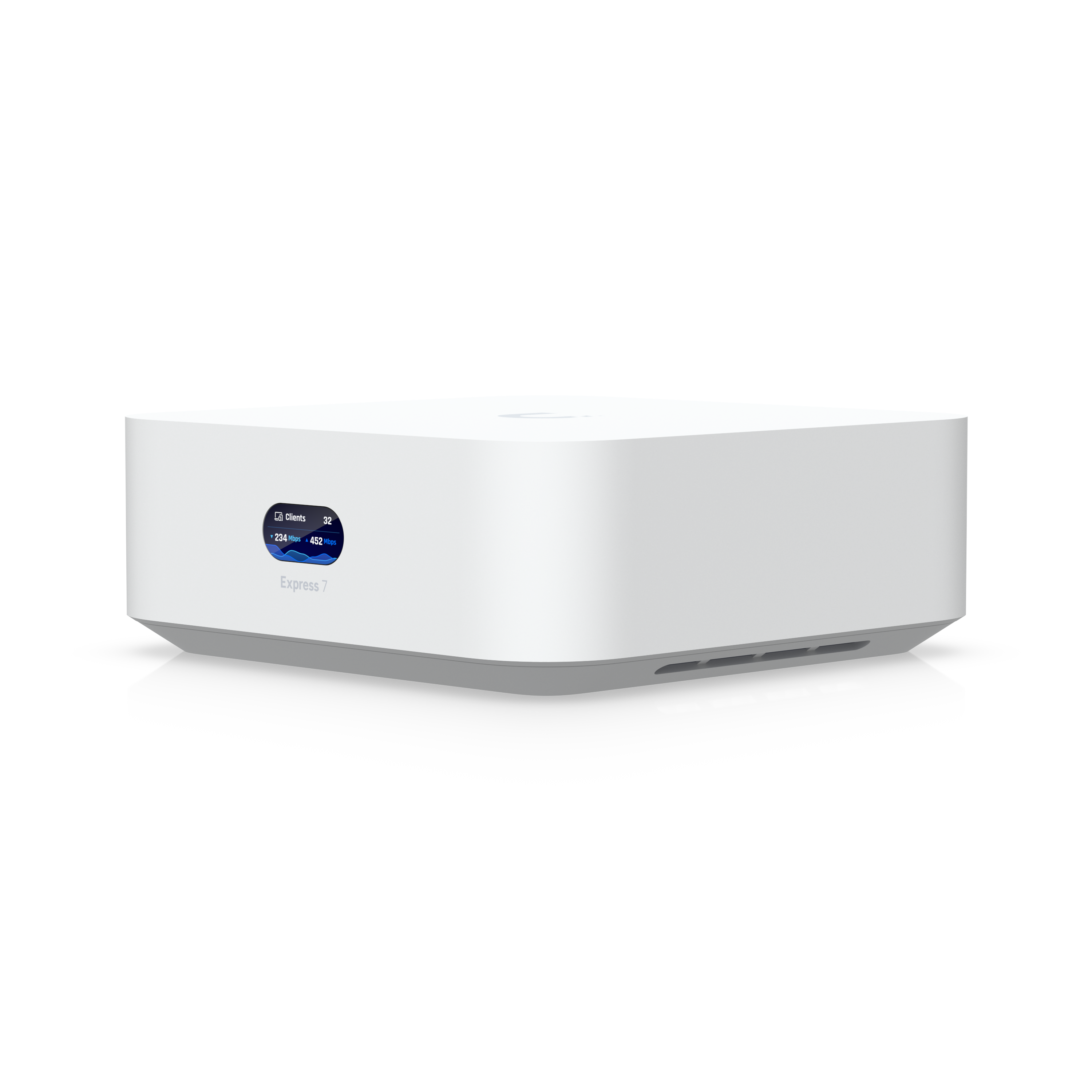
UniFi Express 7
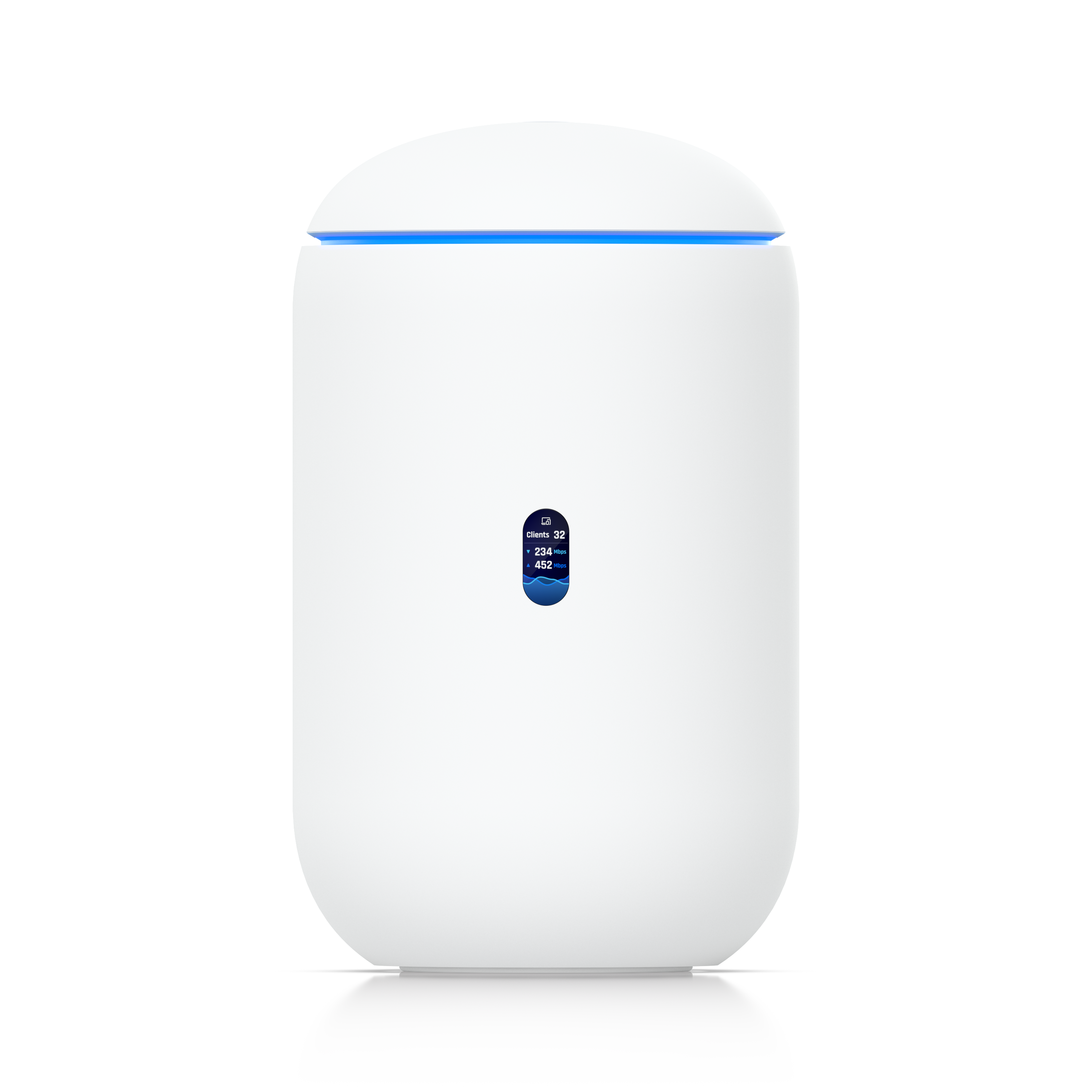
Dream Router 7
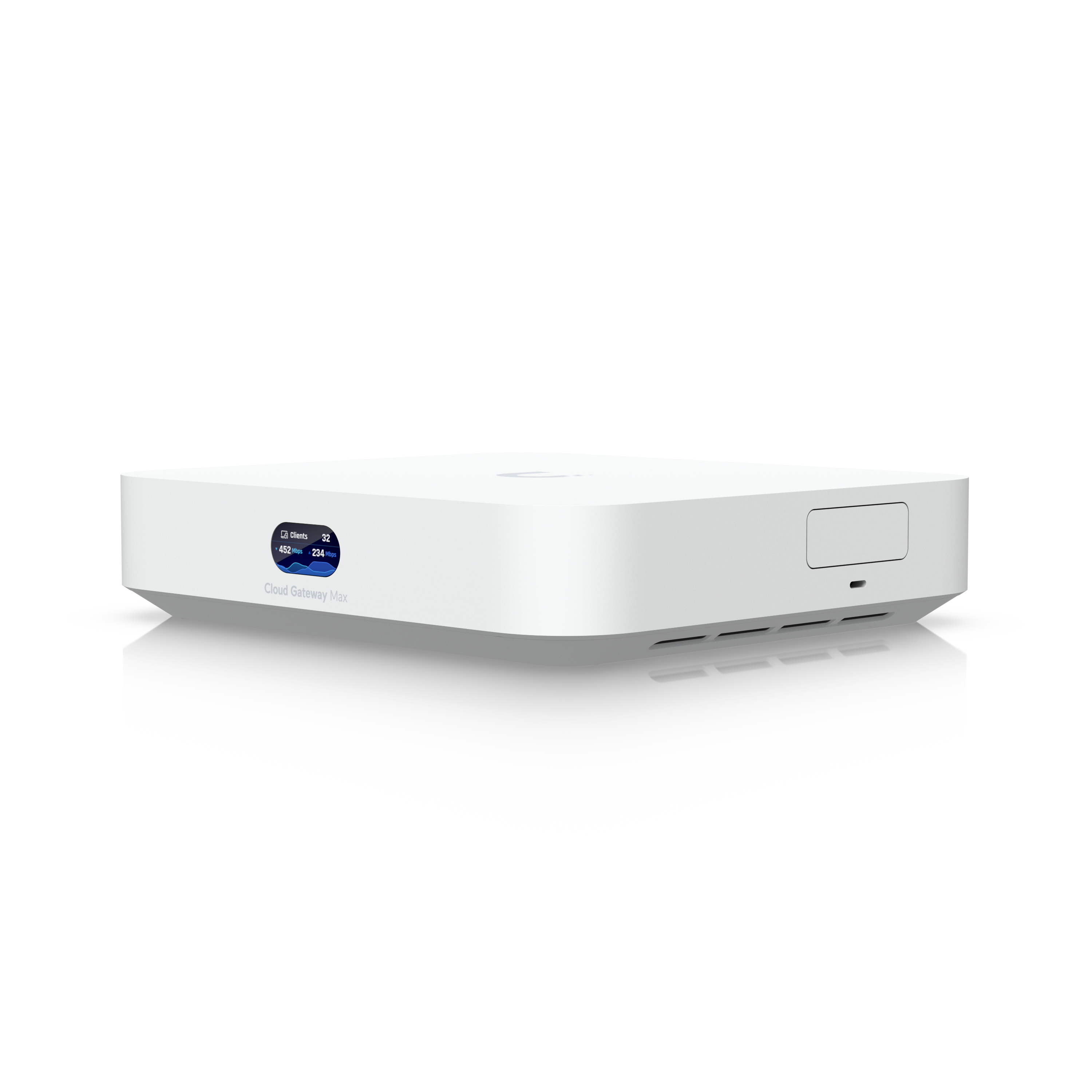
Cloud Gateway Max
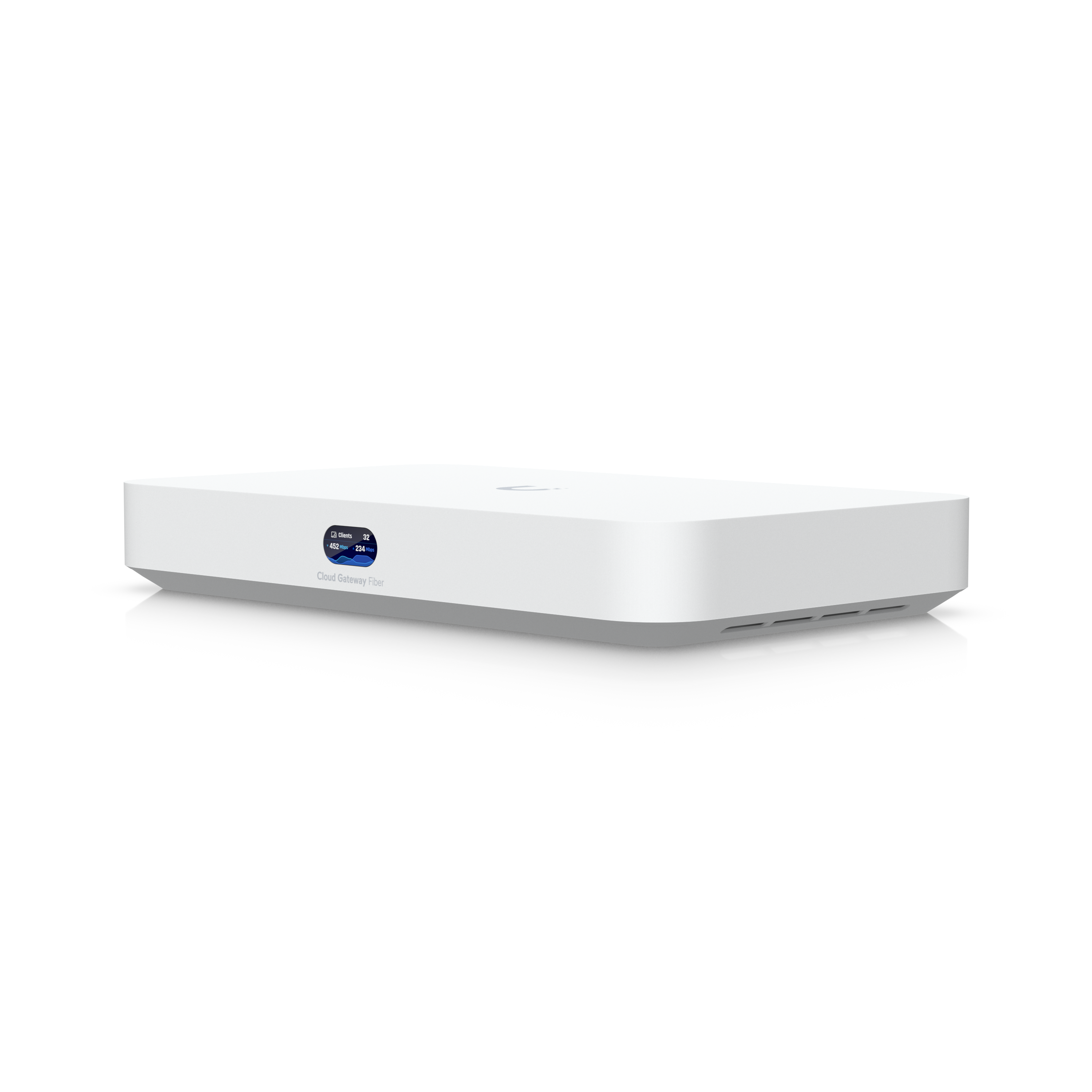
Cloud Gateway Fiber
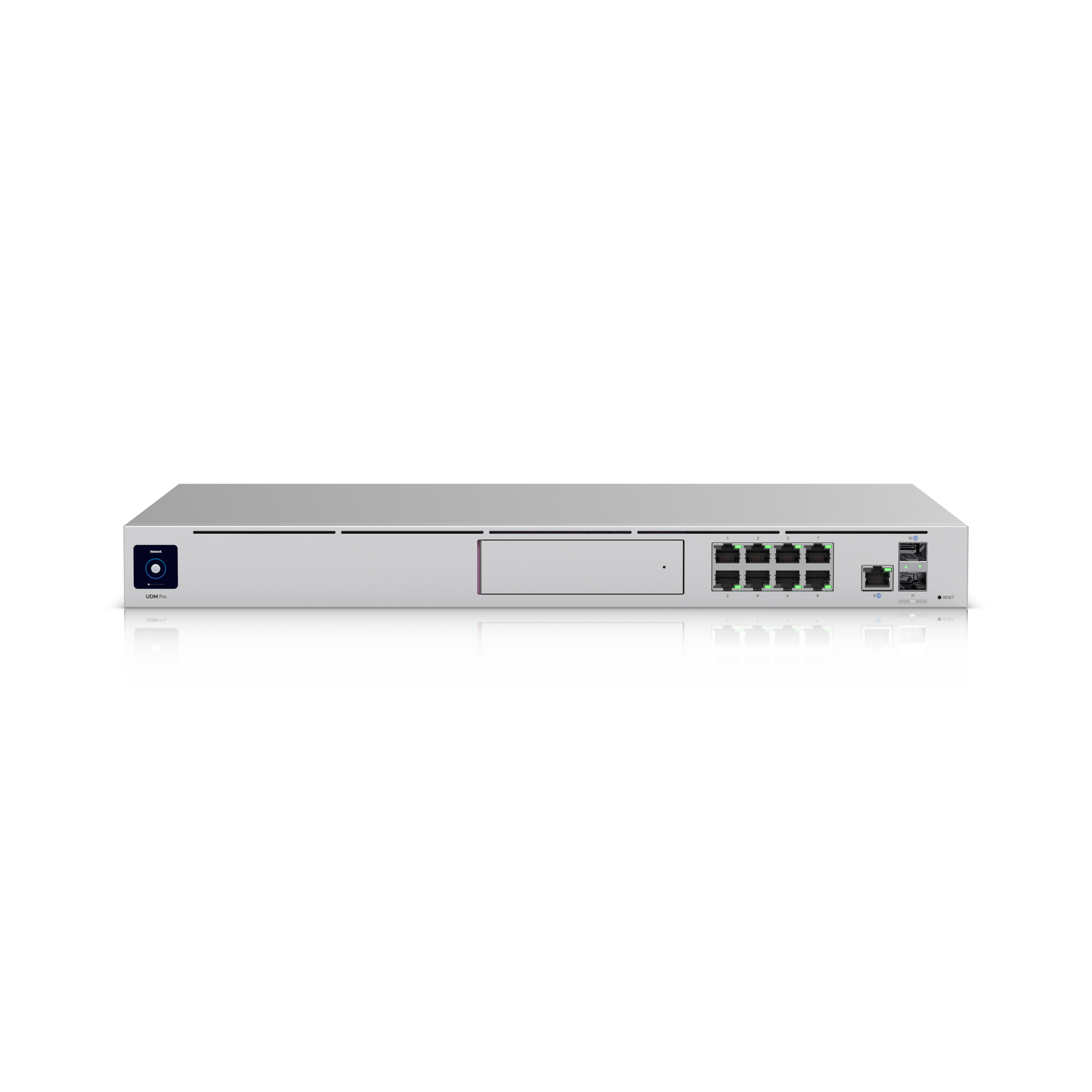
Dream Machine Pro
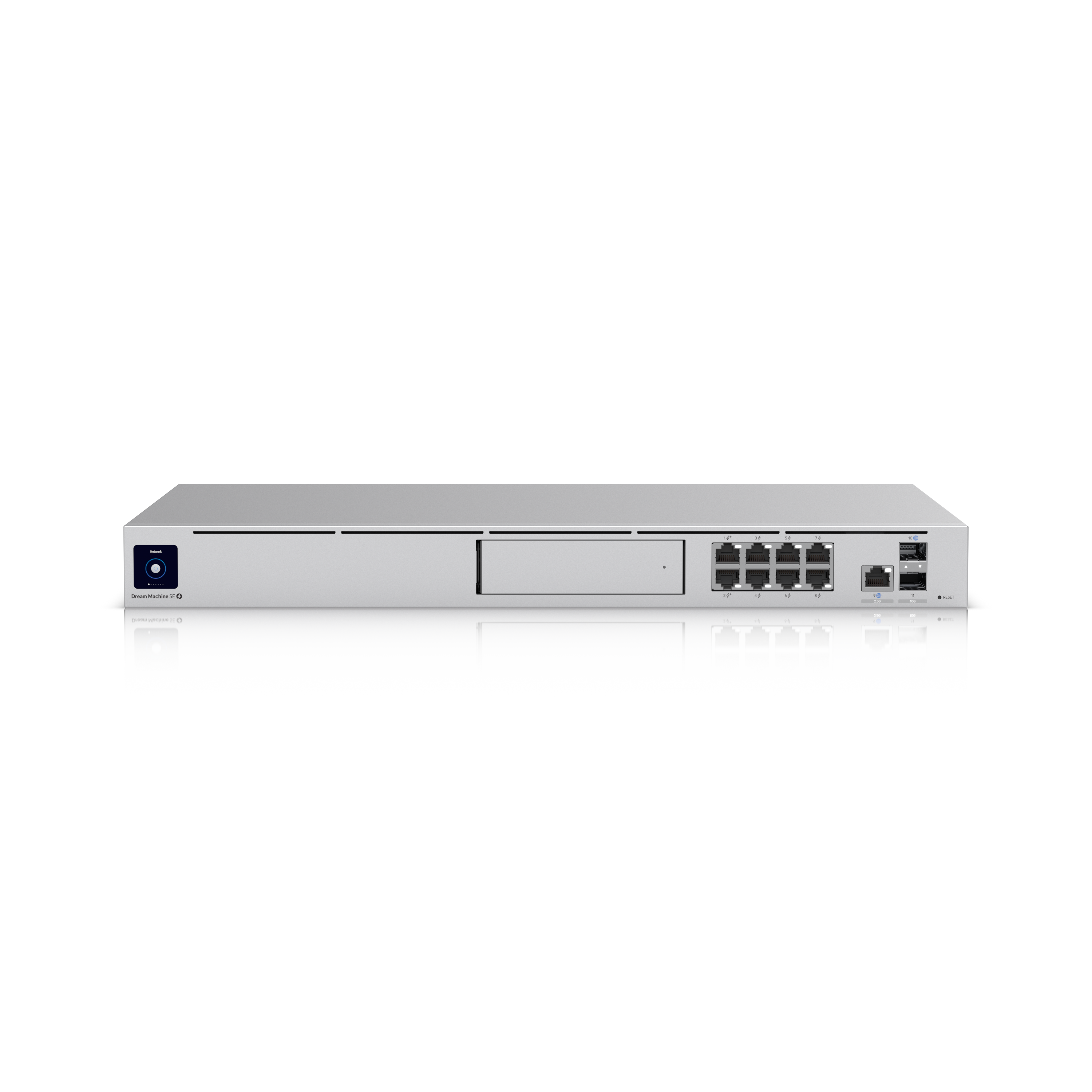
Dream Machine Special Edition
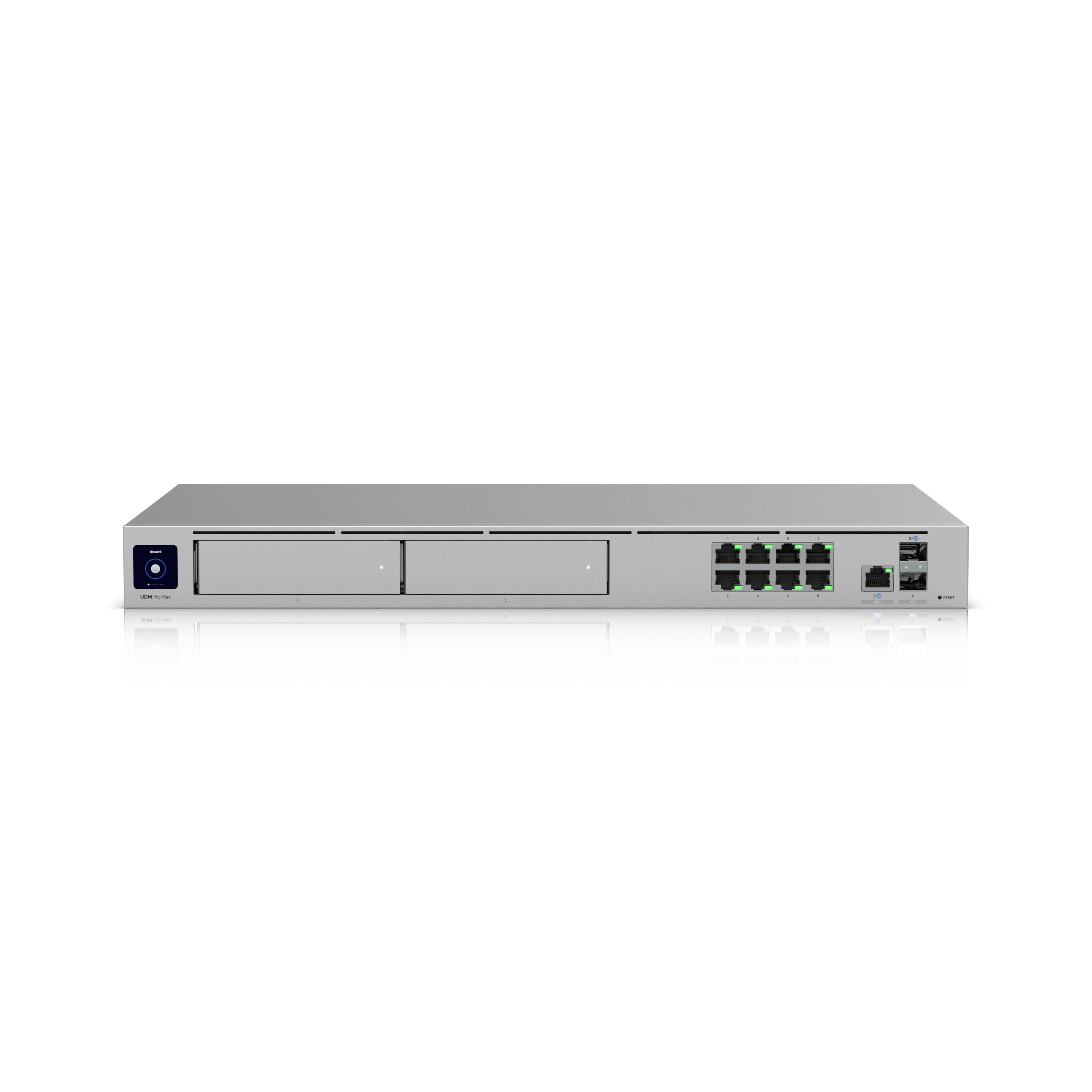
Dream Machine Pro Max
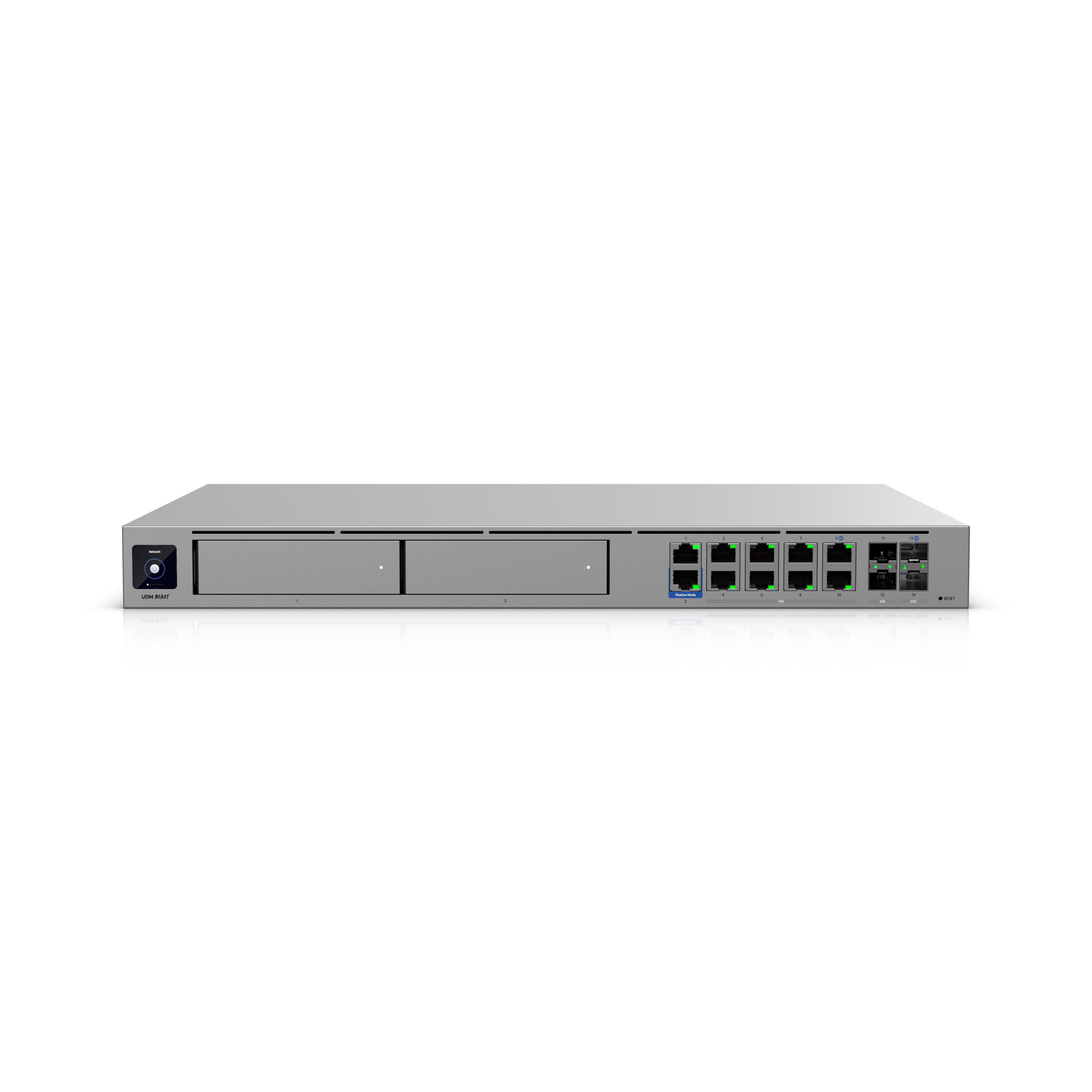
Dream Machine Beast
Specs from techspecs.ui.com. Prices from ca.store.ui.com, checked 2026-07-16. See the pricing note below the table: the store is not showing you the full number.
| Model | Throughput (IPS/IDS) | Max clients | Max UniFi devices | Max Protect cameras | Drive bays: records video? | Built-in Wi-Fi | PoE ports | Form | Price (all-in, CAD) |
|---|---|---|---|---|---|---|---|---|---|
| UX (UniFi Express) | Not published | 50+ | 4 | No, not published as Protect-capable | Yes | None, no bays. No. | None | Desktop | Ask us |
| UX7 (Express 7) | 2.3 Gbps | 300+ | 30+ | No, not published as Protect-capable | Yes | None, no bays. No. | None | Desktop | Ask us |
| UDR (Dream Router) | 1 Gbps | 150+ | 20+ | (5) HD / (2) 2K / (1) 4K | No 3.5″ bay; limited internal recording only | Yes | 2 (40W total) | Desktop | Ask us |
| UDR7 (Dream Router 7) | 2.3 Gbps | 300+ | 30+ | (5) HD / (2) 2K / (1) 4K | No 3.5″ bay; limited internal recording only | Yes | 1 (15.4W total) | Desktop | Ask us |
| UCG-Ultra | 1 Gbps | 300+ | 30+ | No, not published as Protect-capable | No | None. No. | None | Desktop | Ask us |
| UCG-Max | 2.3 Gbps | 300+ | 30+ | (15) HD / (8) 2K / (5) 4K | NVMe SSD up to 2 TB; yes, but small | No | None | Desktop | Ask us |
| UCG-Fiber | 5 Gbps | 500+ | 50+ | (15) HD / (8) 2K / (5) 4K | NVMe SSD up to 2 TB; yes, but small | No | 1 (30W total) | Desktop | Ask us |
| UDM-Pro | 3.5 Gbps | 1,000+ | 100+ | (24) HD / (14) 2K / (8) 4K | (1) 3.5″ bay: YES | No | None | Rack, 1U | $588 all-in ($545 + $43) |
| UDM-SE | 3.5 Gbps | 1,000+ | 100+ | (24) HD / (14) 2K / (8) 4K | (1) 3.5″ bay: YES | No | Yes, 180W budget | Rack, 1U | Ask us |
| UDM-Pro-Max | 5 Gbps | 2,000+ | 200+ | (50) HD / (25) 2K / (15) 4K | (2) 3.5″ bays: YES | No | None | Rack, 1U | $926 ($859 base + $67 Ubiquiti surcharge) |
| UDM-Beast | 25 Gbps | 7,500+ | 750+ | (100) HD / (60) 2K / (40) 4K | (2) 3.5″ bays: YES | No | None | Rack, 1U | $2,319 all-in ($2,150 + $169) |
| UCG-Industrial | 5 Gbps | 500+ | 50+ | (15) HD / (8) 2K / (5) 4K | Not published; assume no bay | Yes | Yes (PoE+ and PoE+++ ports) | Wall / desktop / rack (accessory) | Ask us |
| EFG (Enterprise Fortress Gateway) | 12.5 Gbps | 5,000+ | 500+ | Not published as Protect-capable | None. No. | No | None | Rack, 1U | Ask us |
| EF-Core (Enterprise Firewall Core) | 79 Gbps | 22,500+ | 2,250+ | Not published as Protect-capable | None. No. | No | None | Rack, 1U | Ask us |
Reading the camera column: “(24) HD / (14) 2K / (8) 4K” means the same box handles 24 low-resolution cameras, or 14 mid-resolution, or 8 at 4K. It’s one budget spent three ways, not three separate allowances. Most cameras people actually want are 4K, so read the last number and ignore the first two.
About those prices
Ubiquiti adds a per-unit “memory surcharge” at checkout. It doesn’t appear on the product page. It’s only itemized in the cart. So the store looks cheaper than it is.
Example: the UDM-Pro-Max shows a base of $859, and the Ubiquiti surcharge adds $67: $926 all-in, read from the cart. That’s the number that matters.
Where the Ubiquiti surcharge applies, it runs 7.43–7.89%, consistent across every product we’ve checked at the store checkout. But some products carry none at all, and the category doesn’t tell you which: a USW-Flex-Mini switch and a $1,005 UVC-AI-MS-2 camera both come up $0. The only way to know is to read the cart, so that’s what we do, never a calculation. See pricing.
AVNFi always quotes all-in. Where the table says “Ask us”, get in touch and we’ll price that model live for you, all-in.
3. The expansion question: read this one twice
This is the mistake we see most, and it costs the most to undo.
Here’s how it goes. Someone buys a small desktop gateway. It’s cheap, it’s tidy, it works beautifully. Eighteen months later they want two cameras at the back gate.
And they discover the box they bought can record one 4K camera. Total. Ever.
Where the cliff actually is
There are four separate limits, and they do not run out at the same time. Ranked by which one bites first:
1. Protect cameras: this is almost always the first wall. It’s not close.
- UX / UX7 / UCG-Ultra: not published as Protect-capable at all. This isn’t a small allowance: there’s no allowance. Adding cameras means adding a separate recorder (a UNVR), or replacing the gateway.
- UDR / UDR7: one 4K camera. One. A doorbell and a single camera and you are finished.
- UCG-Max / UCG-Fiber: five 4K cameras, and onto a small internal SSD, so see the storage guide before you cheer.
- UDM-Pro / UDM-SE: eight 4K cameras, onto a real 3.5″ hard drive you choose.
- UDM-Pro-Max: fifteen 4K, onto two drives.
- UDM-Beast: forty 4K.
A modest house (front door, back door, both sides, garage, driveway) is six cameras. That number sails straight past everything below the UDM-Pro. A small office with a back alley is easily the same.
2. Drive bays: the limit behind the limit. Camera count is one thing; how many days you keep the footage is another, and that’s decided by drive size. A gateway with no 3.5″ bay can’t take a large surveillance drive, so even if the camera count fits, your retention may be a few days rather than a few weeks. UDM-Pro has 1× 3.5″ bay, UDM-Pro-Max has 2, UDM-Beast has 2; all three record video natively. Gateways without bays need a separate UNVR recorder alongside them.
3. UniFi device count. Every access point, every switch, every camera, every door hub counts as a device. The UX allows 4. Four. A gateway, a switch, and two access points and you’re done, before a single camera. UDR/UCG-Ultra/UCG-Max sit at 30+; UDM-Pro at 100+. This one bites second, usually on bigger houses with several access points.
4. Throughput and client count. Realistically, last. If you have a 1 Gbps internet plan, a 3.5 Gbps gateway is not your bottleneck, and “1,000+ clients” is a number a home will never approach. Do not buy a bigger gateway for the throughput number. Buy it for the drive bay.
So why does the cheap desktop unit become a dead end?
Because the gateway is the one component you can’t add to. You can add a switch. You can add access points. You can add cameras. But there’s exactly one brain, and when it’s full, the upgrade path is buy a whole new brain: the original spend doesn’t get credited, it gets shelved.
The honest framing
If cameras are anywhere in your five-year plan, the gateway choice is already made: buy one with a drive bay.
If cameras are genuinely never happening (a rental, a small office that will only ever have Wi-Fi), the small desktop units are excellent, and we’ll happily sell you one. The failure isn’t buying small. The failure is buying small while quietly planning big.
There’s a middle road too: buy a small gateway now and add a UNVR (a standalone recorder) when cameras arrive. That works. It costs more than having bought a UDM-Pro up front, and it’s two boxes instead of one, but it isn’t a dead end. Just decide it deliberately instead of discovering it.
4. What’s it compatible with, and what isn’t
Compatible with:
- Every UniFi switch and access point. Any gateway adopts any UniFi switch or AP, up to its device limit. Mix and match freely.
- UniFi Protect cameras, but only if the gateway is Protect-capable (see the table), or you add a UNVR.
- UniFi Access door hubs and readers.
- Older UniFi gear. Wi-Fi 5 (AC) access points still adopt and run perfectly on current gateways. They’re not obsolete.
- Whatever internet you have. Fibre, cable, or a modem from your provider: the gateway sits behind it.
Not compatible with, and this is where money gets wasted:
- Third-party cameras. UniFi Protect records UniFi cameras. Your existing brand-X cameras will not appear in the app. There’s no adapter.
- Third-party access points. They’ll pass traffic if you plug them in, but they won’t be managed, won’t roam properly with UniFi APs, and won’t appear in the app. At which point, why.
- Each other. One gateway per site. Two gateways is two separate systems, not a bigger one. To grow you add switches and access points, never a second brain.
- Cloud video recording. Protect records to a drive in your building. That’s a feature, but it means a drive is a required part of the build, sized to your cameras and your retention. AVNFi sizes it on the design and supplies it with the rest of the hardware. (The controller is a separate question: Ubiquiti does sell cloud hosting for UniFi Network. See below.)
- Drives. Not included. Not with any of them. A UDM-Pro arrives as an empty bay.
Worth knowing: the UDM-SE is the only gateway in the mainstream rack lineup with a real PoE budget of its own (180W). Every other rack model needs a PoE switch beside it to power your cameras. Don’t assume the gateway can power anything.
5. The other half of the range: independent gateways and hosted controllers
Everything above is a console: the gateway and the brain in one box. Before the models, the question people actually mean when they ask about “the cloud”, because there are two of them and they are not the same.
First, the cloud you already have, and it is free
Remote access to your own system is free and standard. Every UniFi owner can sign in to Ubiquiti’s Site Manager at unifi.ui.com, from a phone or a browser, and reach and manage their UniFi Network, Protect and Access from anywhere in the world. That is what “cloud” means for most people, and it comes with the hardware you already bought. It is not a subscription, and there is nothing to buy to switch it on. When someone asks “is there a cloud?”, this is usually what they mean, and the answer is a plain yes.
What stays local is the video. UniFi Protect records to a drive in your building no matter where you happen to be watching from. Remote access to the footage: yes, included. Remote storage of the footage: no, and there is no cloud video-storage fee. That is the feature, not the gap.
Second, fully cloud-hosted control, a real and separate option
There is also a version where the brain itself lives in Ubiquiti’s cloud rather than in a box on your site. Ubiquiti sells Official UniFi Hosting, which runs your UniFi Network controller on its own infrastructure, managed through the same Site Manager. You pair it with an independent gateway from the UXG line, a gateway without the built-in brain. (Ubiquiti lists hosting from around $39/month, store list price, we confirm current pricing live.)
The UXG line: gateways without the brain
These route and firewall on site; the controller runs elsewhere, whether hosted, on a CloudKey, or on a server you run yourself.
| Model | Store list price (CAD) | What you get |
|---|---|---|
| UXG-Lite | ~$129 | The entry point |
| UXG-Max | ~$307 | 2.3 Gbps, multi-WAN |
| UXG-Fiber | ~$408 | 5 Gbps, 4-port 2.5 GbE |
| UXG-Pro | ~$771 | 10G multi-WAN |
| UXG-Enterprise | ~$2,879 | 25G, 12.5 Gbps IPS, redundant hot-swap power |
Ubiquiti does not publish Protect camera capability for any UXG model, so treat the line as routing and security and plan a separate recorder if cameras are in the picture.
CloudKey: the brain on its own, on site
A CloudKey runs the controller without being the gateway. It registers with Site Manager at unifi.ui.com, and it is the on-site alternative to paying for hosting.
| Model | Store list price (CAD) | What it is |
|---|---|---|
| CloudKey+ SSD (UCK-G2-SSD) | ~$383 | Compact on-site console, runs UniFi Protect |
| CloudKey Enterprise (CK-Enterprise) | ~$7,228 | Console for very large networks |
Prices in this section are Ubiquiti’s store list prices. As everywhere on this page, the store number is not always the final number, so we confirm current pricing live on every quote.
What AVNFi recommends
Buy your own console: a UDM. You own it outright, there is no monthly hosting fee, and the controller stays in your building. Cloud hosting is a genuine option and AVNFi can design, deploy and support it, and it earns its keep across many sites or where nobody wants a controller on the premises. It simply is not what we steer a single building toward.
And if you would rather run the system yourself once it is in, that is genuinely fine. AVNFi orders the hardware against the finished design so nothing is missing, you set it up, and if you get stuck we can configure it for you remotely afterward. It is not the path we push, but it is a good one and there is no catch.
6. The verified facts, in one place
Three claims we’re prepared to be held to:
- UDM-Pro: one 3.5″ drive bay. Records video natively.
- UDM-Pro-Max: two 3.5″ drive bays. Records video natively.
- UDM-Beast: two 3.5″ drive bays. Records video natively.
And the corollary: a gateway without a drive bay needs a separate UNVR to record cameras. No exceptions, no firmware update coming.
7. Just tell me which one
| Your situation | Buy this | Why |
|---|---|---|
| Small home: Wi-Fi, a handful of devices, a doorbell at most, no camera ambitions | UCG-Ultra or UX7 | Genuinely enough. Cheap, silent, no rack needed. Accept the trade: you are choosing “no cameras, ever” without a rethink. |
| Big home: several access points, a few cameras, a doorbell, wants it to last | UDM-Pro | The drive bay is the whole reason. Eight 4K cameras and a real surveillance drive covers the overwhelming majority of homes. Needs somewhere to rack it. |
| Small office: 20–40 people, a couple of cameras, maybe a door reader later | UDM-Pro, or UDM-Pro-Max if the door and camera list is already growing | 1,000+ clients and 100+ devices is far more than a small office reaches. Again: buying it for the bay, not the speed. |
| Camera-heavy site: a dozen-plus 4K cameras, long retention | UDM-Pro-Max (15× 4K, two drives) or UDM-Beast (40× 4K) | Two bays means more storage and the option of redundancy. Past 40 cameras it’s a UNVR conversation instead. |
| Fibre straight to the building, no cameras | UCG-Fiber | 5 Gbps and an SFP+ port to take the fibre directly. Only if cameras really aren’t coming. |
| You already own a small gateway and now want cameras | Keep it, add a UNVR | Cheaper than replacing the brain, and you keep what you paid for. Two boxes instead of one. |
If you only remember one line
Everything below the UDM-Pro records one to five 4K cameras. Everything from the UDM-Pro up records eight to forty. That step is the entire decision: not the price, not the speed.
Step up / step down
The ladder view: what’s directly above any model, what’s directly below, and what actually changes when you move.
| Model | Price (all-in CAD) | Step up to → (the one reason) | Step down to → (when that’s right) |
|---|---|---|---|
| UX | Ask us | UX7: 30+ UniFi devices instead of 4 | Nothing. This is the floor. |
| UX7 | Ask us | UDR7: same throughput, but Protect-capable (1× 4K) | UX: only if four devices is genuinely the ceiling |
| UCG-Ultra | Ask us | UCG-Max: the NVMe bay: 5× 4K appears | UX7: if you want the Wi-Fi built in |
| UDR | Ask us | UDR7: 2.3 Gbps, 300+ clients, 30+ devices | UCG-Ultra: if you have APs already |
| UDR7 | Ask us | UCG-Max: 5× 4K instead of 1 | UDR: if 40 W of PoE on two ports beats 2.3 Gbps |
| UCG-Max | Ask us | UCG-Fiber: 5 Gbps, 50+ devices, 30 W PoE, SFP+ | UCG-Ultra: if cameras are never happening |
| UCG-Fiber | Ask us | UDM-Pro: the 3.5″ drive bay | UCG-Max: identical 5× 4K ceiling. You’re paying for fibre and throughput, not cameras. |
| UDM-Pro | $588 all-in | UDM-SE: 180 W of PoE built in | UCG-Fiber: accept 5× 4K on an SSD |
| UDM-SE | Ask us | UDM-Pro-Max: 15× 4K and two bays | UDM-Pro: if you’re buying a PoE switch anyway |
| UDM-Pro-Max | $926 ($859 + $67) | UDM-Beast: 40× 4K, 25 Gbps | UDM-Pro: if 8 cameras is the honest ceiling |
| UDM-Beast | $2,319 all-in | EFG: only once you need a firewall, not an NVR | UDM-Pro-Max: same two bays |
| EFG | Ask us | EF-Core: 79 Gbps, 100G QSFP28 | UDM-Beast: if you still want cameras in the box |
| EF-Core | Ask us | Nothing. This is the ceiling. | EFG: 12.5 Gbps is already beyond any building we’d put UniFi in |
The one step that actually matters: UCG-Fiber → UDM-Pro, the 3.5″ drive bay. Everything below it records 1–5 4K cameras onto a small shared SSD. Everything from it up records 8–40 onto a real surveillance drive you size yourself. Don’t pay for throughput: on a 1 Gbps internet plan a 3.5 Gbps gateway is not the bottleneck, and “1,000+ clients” is a number a home never approaches.
Product Ladders: Step Up, Step Down: every UniFi family laddered in full, with the “don’t pay for this” note for each one. Built for anyone training staff or comparing two models on a shelf.
Related
- Storage and Retention: how many days of footage a drive actually holds
- Choosing Cameras: what you’d be recording
- Switches and PoE: what powers it all
- Glossary: any word above that didn’t land
Questions about your specific setup? AVNFi can help.